
Video Podcast Editing Guide: Master the Essentials in 2026

Video podcasting has exploded in 2026, with creators racing to capture audiences on YouTube, Spotify, and beyond. In this fast-moving landscape, mastering video podcast editing is no longer optional if you want your show to stand out and grow.
This guide is your roadmap to success. You will discover a proven workflow, the latest tools, advanced editing techniques, and the pitfalls to avoid.
By learning these essentials, you will boost your audience engagement, elevate your brand, and future-proof your podcast. Ready to transform your content? Let’s dive in.
About Podcast Monkey Podcast Monkey is a video-first podcast production agency that handles strategy, recording support, editing, YouTube optimization, and repurposed clips for B2B brands. We specialize in turning raw podcast recordings into polished episodes and social content ready for YouTube, podcast platforms, and social media.
To get help with your show, book a free personalized podcast strategy consultation here: https://calendly.com/d/crd7-h33-vmq/personalized-podcast-strategy-consultation
The Evolution of Video Podcasting in 2026
The landscape of video podcast editing has transformed dramatically by 2026, driven by a surge in audience demand and new creative possibilities. Today, video podcasts are not just an option for creators but a necessity for reaching modern listeners and viewers.
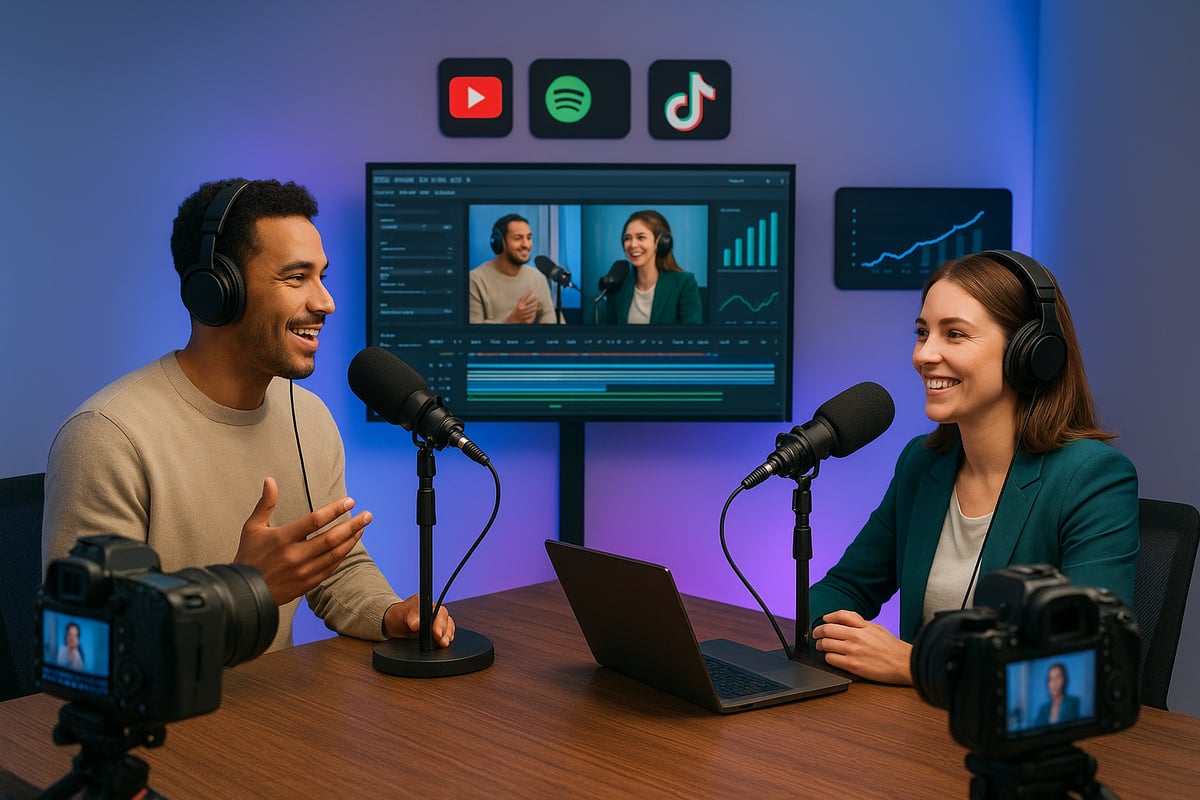
The Surge in Video Podcasts: Key Stats and Trends
In 2026, over 60 percent of new podcast launches are video-first, a staggering shift compared to previous years. Platforms like YouTube, Spotify, and TikTok now dominate video podcast distribution, pushing creators to rethink their approach to content production and video podcast editing. The rise of visual storytelling has set new expectations for dynamic editing and multi-platform presence.
According to recent video podcast consumption statistics, average watch time for video podcasts has jumped by 35 percent since 2024. Audiences crave engaging visuals, live streaming, and interactive features. Leading podcasts blend high-quality video, real-time audience interaction, and creative editing to stand out.
Niche podcasts are also leveraging video podcast editing to build loyal communities. Short-form video content, such as teasers and clips, plays a critical role in discovery and audience growth. As a result, creators who invest in compelling editing workflows are seeing faster engagement and broader reach.
Why Editing Is the Game-Changer for Video Podcasts
Professional video podcast editing is now the key differentiator in a saturated market. High-quality editing drives audience retention, ensuring viewers remain engaged from start to finish. Data shows podcasts that upgraded their video podcast editing workflows have achieved up to three times faster growth than those with basic edits.
Editing is more than cutting footage; it shapes brand identity and viewer perception. A polished video podcast feels trustworthy and memorable, which attracts sponsors and opens up new monetization opportunities. Emmy-nominated editors stress that effective editing is about storytelling, pacing, and emotional impact.
However, many creators still make common video podcast editing mistakes, such as overusing effects or neglecting audio quality, which can cost them their audience. Those who master editing not only boost their show’s professionalism but also unlock the full potential of their brand. In 2026, investing in editing is investing in long-term podcast success.
Essential Tools and Software for Video Podcast Editing
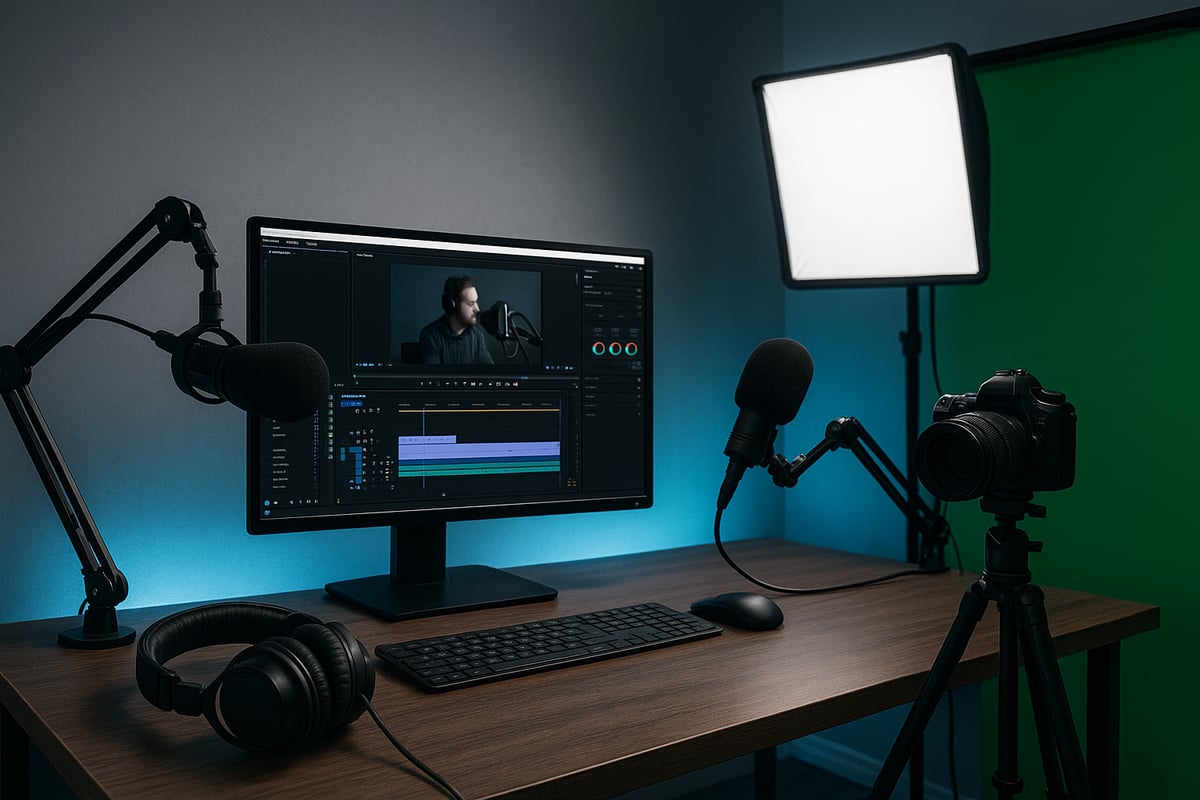
The right tools are the backbone of professional video podcast editing. Whether you are building your first studio or optimizing a collaborative workflow, the right combination of software and hardware will elevate production value, save time, and help your podcast stand out in a crowded 2026 landscape.
Must-Have Editing Software in 2026
Choosing the right software is essential for efficient video podcast editing. In 2026, industry leaders such as Adobe Premiere Pro, Final Cut Pro, and DaVinci Resolve remain at the forefront, while emerging AI-powered editors are rapidly gaining popularity. Each platform offers unique strengths for different workflows.
| Software | Best For | Key Features | Pricing |
|---|---|---|---|
| Adobe Premiere Pro | Multi-platform teams | Robust editing, integrations, plugins | Subscription |
| Final Cut Pro | Mac users, solo editors | Fast rendering, intuitive interface | One-time |
| DaVinci Resolve | Color grading, teams | Advanced color, script integration, cloud | Free/Premium |
| AI Editors (e.g., Descript) | Speed, automation | Auto cuts, noise reduction, captions | Subscription |
AI-assisted editing is now standard, offering automatic scene detection, smart noise reduction, and real-time captioning. Cloud-based collaboration tools allow remote teams to work on the same project simultaneously, streamlining feedback and version control.
Integrating your video podcast editing software with platforms like YouTube or podcast hosting services reduces manual steps and supports faster publishing. For a detailed comparison of software and their best use cases, see Top video podcast tools in 2025.
DaVinci Resolve’s script-based workflow automation is a great example of innovation, letting editors cut episodes directly from transcripts. Notably, 75% of professional podcasters now rely on multi-tool workflows, combining the best features from several platforms to optimize their process.
Hardware Essentials: Cameras, Mics, and More
Hardware is just as critical to video podcast editing as software. A high-quality camera is a must for crisp visuals, whether you record in a dedicated studio or on the go. For in-studio setups, DSLRs or mirrorless cameras with clean HDMI output are recommended. Content creators who record remotely may opt for compact webcams with reliable autofocus.
Microphone choice significantly impacts your audio clarity. Dynamic mics excel in untreated rooms, while condenser mics provide a richer sound in controlled environments. Pairing mics with audio interfaces or mixers ensures clean multi-guest recordings and easy level adjustments.
Lighting cannot be overlooked. Softbox lights or LED panels create an even, professional look, minimizing shadows and enhancing your on-camera presence. Green screens and virtual backgrounds offer flexible branding options, letting you maintain a consistent visual identity across episodes.
Many podcasters find that a modest $500 equipment upgrade—swapping in a better camera, mic, and lights—can double viewer engagement. For those on a budget, start with a USB mic, a ring light, and a reliable webcam, then scale up as your podcast grows. Premium setups may include multi-cam angles, XLR mics, and broadcast-quality lighting for a studio-grade feel.
No matter your budget, investing in the right gear streamlines video podcast editing and boosts professionalism. Choose equipment that matches your needs and supports your creative vision.
About Podcast Monkey
Podcast Monkey is a video-first podcast production agency that handles strategy, recording support, editing, YouTube optimization, and repurposed clips for B2B brands. We specialize in turning raw podcast recordings into polished episodes and social content ready for YouTube, podcast platforms, and social media.
To get help with your show, book a free personalized podcast strategy consultation here: https://calendly.com/d/crd7-h33-vmq/personalized-podcast-strategy-consultation
Step-by-Step Video Podcast Editing Workflow
Mastering the video podcast editing workflow is the backbone of every successful show in 2026. Whether you are building a studio production or editing remotely, a clear, repeatable process helps ensure your content stands out. Let’s break down each stage, so you can transform raw recordings into polished, high-impact episodes that engage your audience from start to finish.
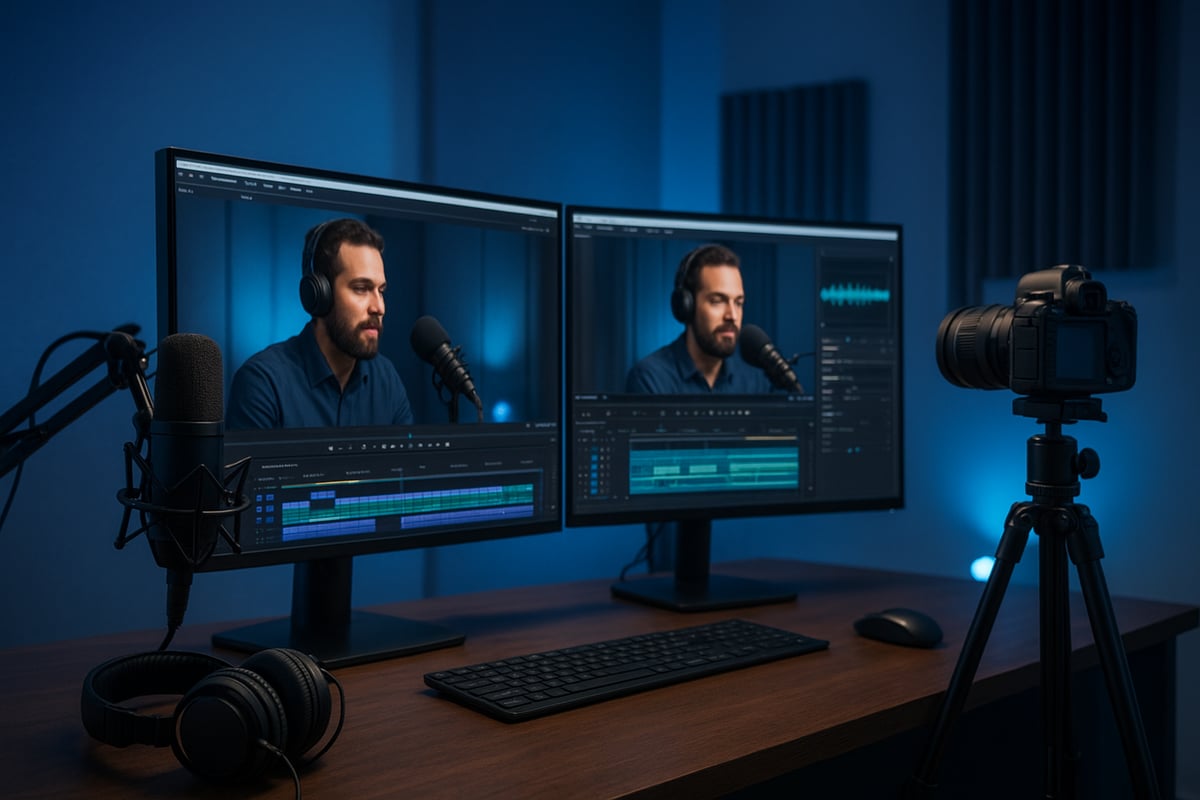
Step 1: Pre-Production Planning and Asset Organization
Effective video podcast editing begins before you hit record. Pre-production planning sets the tone for a smooth workflow and minimizes costly mistakes later.
Start with a clear script or episode outline. This roadmap keeps your editing focused and helps maintain narrative flow. Organize your raw footage, audio tracks, and any graphic assets into labeled folders. Adopt a consistent file naming convention such as YYYYMMDD_EpisodeName_TrackType for easy retrieval.
Use shot lists and timecodes to log important moments during recording. This practice saves editors more than four hours per episode. Cloud storage solutions like Google Drive or Dropbox foster seamless collaboration, especially for remote teams.
A sample workflow template might include:
- Master folder for each episode
- Subfolders for video, audio, graphics, and notes
- Shared documents for shot lists and timestamps
Avoid skipping this stage. Poor organization is a leading cause of delays in video podcast editing and can create confusion during revisions.
Step 2: Syncing Audio and Video for Seamless Playback
Precise syncing is critical for professional video podcast editing. Whether you’re working with single or multiple cameras and microphones, your goal is seamless playback without distracting delays.
Manual syncing uses visual cues like clapperboards or a hand clap at the start of recording. For multi-camera setups, timecode generators or built-in camera sync features are invaluable. Most editing platforms now offer automatic sync tools that align audio and video tracks based on waveform analysis.
When dealing with remote guests, match up files by referencing timecodes or shared cues. If sync issues arise, adjust clips frame-by-frame within your editing software.
Tips to reduce sync headaches:
- Always perform a sync test before the main recording
- Label all audio and video files by source and speaker
- Use dedicated software features for batch syncing
Remember, nearly 40 percent of editing issues are caused by improper sync early in the process. Investing time here pays off throughout the video podcast editing journey.
Step 3: Cutting, Trimming, and Structuring the Episode
With assets organized and synced, you move into the heart of video podcast editing: shaping the narrative. Start with a rough cut, removing obvious mistakes, off-topic tangents, and technical hiccups. Progress to a fine cut, focusing on pacing and conversational flow.
Techniques like jump cuts, L-cuts, and J-cuts keep discussions engaging. Eliminate filler words and long pauses to tighten the episode. Use markers and notes within your editing software to flag key moments for review or revision.
A typical workflow:
- Rough cut: remove errors and distractions
- Fine cut: polish transitions and dialogue
- Structure: rearrange segments for clarity and impact
Data shows that well-structured editing improves viewer retention by 28 percent. The right approach ensures your content feels natural and keeps audiences coming back for more video podcast editing excellence.
Step 4: Enhancing Audio and Visual Quality
Once your episode is structured, it’s time to elevate the production value. High-quality audio is non-negotiable in video podcast editing. Use noise reduction, EQ, and compression to ensure clear, balanced sound. For visuals, apply basic color correction and grading for consistency across shots.
Add branded graphics, intros, lower thirds, and transitions to reinforce your visual identity. Sync visuals with key audio moments for added emphasis, such as displaying a guest’s name during introductions.
Automated enhancement tools can speed up this process, but manual tweaks often yield the best results. Use templates for branding elements to maintain consistency across episodes.
Example enhancement checklist:
- Apply audio cleanup and compression
- Color correct all video segments
- Insert graphics and transitions
- Review for consistent branding
A professional touch here transforms even basic recordings into standout video podcast editing projects.
Step 5: Exporting and Publishing for Maximum Reach
The final step in video podcast editing is preparing your episode for distribution. Each platform, from YouTube to Spotify Video and TikTok, requires specific export settings. Choose the right file format, resolution, and aspect ratio for your target audience.
Break out short-form clips or teasers from your main episode to fuel social media engagement. Always add captions and accessibility features to maximize reach.
For platform-specific publishing strategies, consult resources like the Spotify Video Podcast Guide to ensure your episodes meet technical requirements and stand out.
Build a multi-platform publishing workflow:
- Export full episodes for YouTube and Spotify Video
- Create vertical or square clips for TikTok and Instagram
- Schedule regular releases with automation tools
Optimized exports double your share rate and boost audience discovery. By following a consistent workflow, you’ll unlock the full potential of video podcast editing and set your show up for growth in 2026.
About Podcast Monkey
Podcast Monkey is a video-first podcast production agency that handles strategy, recording support, editing, YouTube optimization, and repurposed clips for B2B brands. We specialize in turning raw podcast recordings into polished episodes and social content ready for YouTube, podcast platforms, and social media.
To get help with your show, book a free personalized podcast strategy consultation here: https://calendly.com/d/crd7-h33-vmq/personalized-podcast-strategy-consultation
Advanced Editing Techniques for Standout Video Podcasts
Mastering advanced video podcast editing techniques is the key to setting your show apart in 2026. As audiences crave more immersive, polished, and interactive content, editors are now storytellers, brand architects, and content strategists. Let us explore essential methods to help your podcast shine.
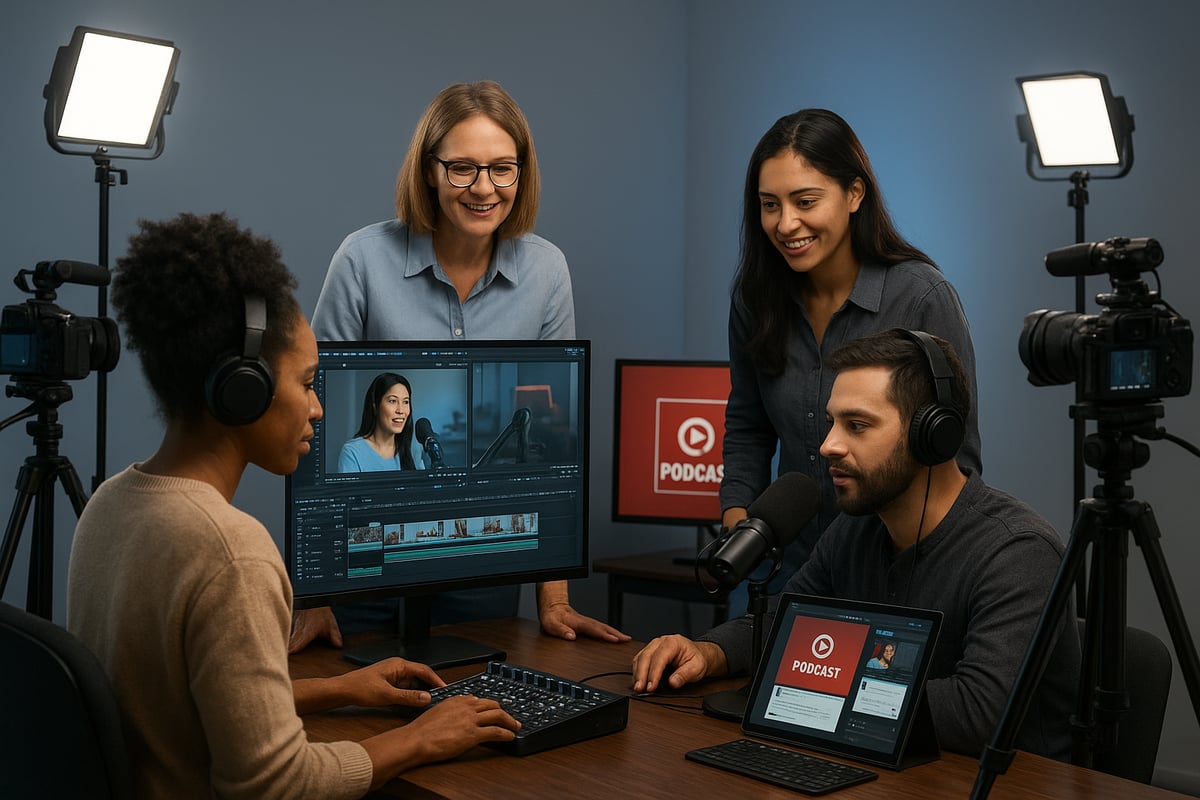
Storytelling and Engagement Strategies
Effective video podcast editing goes beyond cutting footage. Editors shape stories that connect emotionally with viewers. Begin by structuring episodes with a clear narrative arc. Use frameworks like the “Hero’s Two Journeys” to guide listeners through discovery, conflict, and resolution.
Incorporate B-roll, cutaways, and reaction shots to create visual interest. These techniques break up static talking heads and keep viewers engaged. Live interactions, such as on-screen polls or audience questions, add a dynamic layer to the episode.
Consider pacing. Use jump cuts to tighten conversations, but balance with natural pauses for emphasis. For true crime, suspenseful pacing builds tension, while business podcasts may benefit from concise, info-rich edits.
Data shows that story-driven podcasts achieve 50% higher completion rates. Consistent video podcast editing focused on narrative leads to stronger audience retention.
Branding, Graphics, and Visual Identity
Your visual brand is as important as your audio signature. Advanced video podcast editing relies on custom intros, outros, and overlays. Consistent graphics, color palettes, and typography reinforce brand recognition across platforms.
Animation and motion graphics add energy and professionalism. Branded lower thirds and call-to-action graphics highlight key moments and encourage engagement. Consider using templates to streamline episode branding and maintain consistency.
Thumbnail design is critical for YouTube and other platforms. A compelling thumbnail increases click-through rates and distinguishes your show. Data reveals that branded podcasts attract three times more sponsorship deals, proving that video podcast editing with a focus on visual identity directly impacts monetization.
Repurposing Content for Social Media Growth
Maximize reach by repurposing long-form episodes into reels, shorts, and audiograms. Edit clips for vertical and square formats, tailoring content to TikTok, Instagram, and YouTube Shorts. Highlight viral moments and quotable soundbites to spark shareability.
Batch exporting and scheduling tools support efficient multi-platform publishing. AI-powered video editing workflows now automate much of this process, identifying top moments and generating social-ready content rapidly. For a deeper dive into these innovations, explore AI-powered video editing workflows.
Repurposed content drives 40% of podcast discovery in 2026. Consistency across platforms, paired with strategic video podcast editing, ensures your brand remains top of mind and attracts new audiences.
About Podcast Monkey
Podcast Monkey is a video-first podcast production agency that handles strategy, recording support, editing, YouTube optimization, and repurposed clips for B2B brands. We specialize in turning raw podcast recordings into polished episodes and social content ready for YouTube, podcast platforms, and social media.
To get help with your show, book a free personalized podcast strategy consultation here: https://calendly.com/d/crd7-h33-vmq/personalized-podcast-strategy-consultation
Avoiding Common Video Podcast Editing Pitfalls
Top Mistakes That Undermine Podcast Quality
As video podcast editing becomes more sophisticated in 2026, many creators still fall into common traps that can sabotage their show’s potential. Overediting is a frequent issue, where excessive jump cuts or flashy effects disrupt the natural flow and make conversations feel unnatural. This can distract viewers and reduce overall engagement.
Audio quality is another critical factor in video podcast editing. Ignoring background noise, inconsistent audio levels, or echo can instantly make your production seem amateur, no matter how good your visuals are. Poor lighting and awkward camera placement can also undermine the professional look you want for your video podcast editing efforts.
Consistency matters, too. Inconsistent branding, such as varying intros or different lower thirds, confuses your audience and weakens your identity. Skipping captions and accessibility features is a major oversight, as it limits your podcast’s reach in an era where inclusivity is expected.
A real-world example: One show lost 25 percent of its viewers due to repeated technical distractions and poor editing. Data shows that 68 percent of listeners abandon podcasts after encountering ongoing quality issues. If you find yourself struggling with these challenges, consider exploring Video Podcast Editing Services for expert solutions that can help elevate your content and avoid these common pitfalls.
Best Practices to Ensure Consistency and Professionalism
To maintain high standards in video podcast editing, adopt a systematic approach for every episode. Start by creating a detailed style guide that outlines your visual and audio branding, from intro sequences to color schemes. Following this guide ensures your show looks and sounds consistent on every platform.
Regular quality checks are essential. Set up a feedback loop where team members review episodes before publishing, catching small errors early. Using templates and presets in your editing software not only speeds up the process but also helps keep every episode uniform.
Scheduling regular equipment and software upgrades is a smart investment. Outdated gear can quickly drag down your production quality, no matter how skilled you are at video podcast editing. A simple checklist before final export can reduce editing errors by up to 70 percent, according to industry data.
Encourage listener feedback to spot recurring issues you might miss. Stay updated with the latest platform requirements and trends to ensure your podcast remains relevant and accessible. By integrating these best practices, you can avoid missteps and present a polished, professional brand in every episode.
About Podcast Monkey
Podcast Monkey is a video-first podcast production agency that handles strategy, recording support, editing, YouTube optimization, and repurposed clips for B2B brands. We specialize in turning raw podcast recordings into polished episodes and social content ready for YouTube, podcast platforms, and social media.
To get help with your show, book a free personalized podcast strategy consultation here: https://calendly.com/d/crd7-h33-vmq/personalized-podcast-strategy-consultation
Future Trends in Video Podcast Editing (2026 and Beyond)
As the landscape of video podcast editing rapidly evolves, creators and editors must stay ahead of emerging trends to maintain a competitive edge. The next wave of advancements is set to redefine workflows, viewer engagement, and the role of the editor in the years to come.
AI and Automation in Editing Workflows
Artificial intelligence is transforming video podcast editing by automating complex tasks and streamlining production. Editors now rely on AI-powered tools for auto-cutting, background noise removal, color grading, and instant captioning. These advancements save significant time and reduce manual labor.
Predictive analytics further enhance content optimization, helping creators target audience preferences and boost engagement. For example, AI can identify potential viral moments within episodes, making it easier to create compelling social media clips. According to the AI in podcasting market valuation, 80 percent of top podcasts now integrate some form of AI into post-production workflows.
As AI continues to advance, video podcast editing becomes more accessible for creators at all skill levels. The result is higher-quality content, faster turnaround times, and increased creative freedom.
Interactive and Immersive Podcast Experiences
The future of video podcast editing is not just about efficiency, but also about creating deeper audience connections. Interactive features like real-time polls, live Q and A, and on-screen reactions are becoming standard, especially on platforms supporting video podcast editing.
AR and VR are opening new possibilities for immersive storytelling. Podcasts are experimenting with 3D environments, virtual avatars, and augmented graphics that invite viewers into the conversation. These innovations turn passive viewers into active participants, driving engagement and loyalty.
Short-form, interactive content is also gaining traction, with editors repurposing episodes for TikTok and similar platforms. As these technologies mature, the boundaries of video podcast editing will expand, enabling creators to craft truly unique experiences.
The Evolving Role of the Video Podcast Editor
In 2026, the video podcast editor is no longer just a technical operator. Editors are now creative directors, strategists, and key collaborators within production teams. They work closely with marketing, branding, and analytics professionals to shape content that resonates across platforms.
This evolution requires a diverse skill set, including storytelling, data analysis, and cross-platform expertise. Editors with a strong grasp of video podcast editing and emerging technologies are in high demand, often commanding double the rates of their peers.
As the industry grows, editors who embrace change and invest in continuous learning will lead the way. The future is bright for those ready to innovate and elevate the craft of video podcast editing.
About Podcast Monkey
Podcast Monkey is a video-first podcast production agency that handles strategy, recording support, editing, YouTube optimization, and repurposed clips for B2B brands. We specialize in turning raw podcast recordings into polished episodes and social content ready for YouTube, podcast platforms, and social media.
To get help with your show, book a free personalized podcast strategy consultation here: https://calendly.com/d/crd7-h33-vmq/personalized-podcast-strategy-consultation
You’ve just explored the essential strategies and tools that top creators use to stand out in the rapidly evolving world of video podcasting in 2026. If you’re ready to put these insights into action but want to save time and ensure a polished result, why not get expert support tailored to your show’s needs? Let’s work together to elevate your podcast’s quality, streamline your workflow, and help you reach a wider audience—without all the technical headaches. If you’d like personalized advice and a clear plan to grow your video podcast, Book A Free Consultation.